BOM (Byte Order Mark) and CSV
- A practical guide to the BOM-in-CSV dilemma: parser breakage vs broken non-ASCII text.
- You get a fast debug routine to reproduce, diagnose, and fix encoding issues without guesswork.
A Hypothetical Scenario
You received a CSV file from the planning team. They say it was saved as UTF-8 in Excel.
const records = parse(csvData, { columns: true });
console.log(records[0].name);  // undefined (???)
The name column clearly exists, so why can't it be read?
Object.keys(records[0])[0].length  // 5
'name'.length  // 4
4 characters became 5. Running charCodeAt(0) reveals 65279 — Unicode U+FEFF.

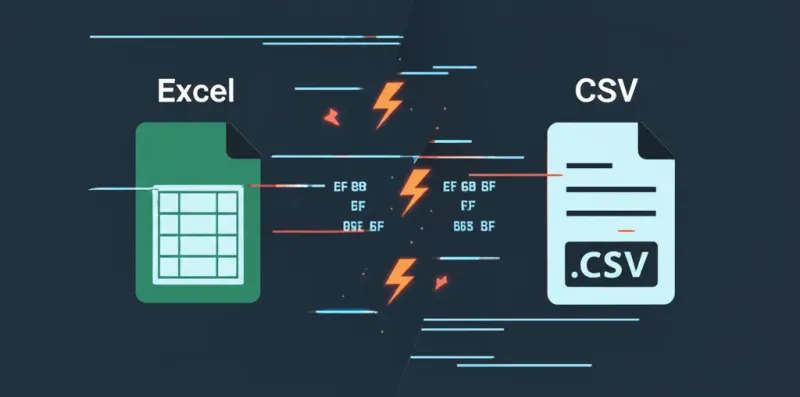
When Excel saves a CSV as UTF-8, it prepends 3 invisible bytes (BOM) at the very beginning of the file. These bytes get attached to the first column name. So instead of name, you get \uFEFFname.
After fixing that issue, you encounter the opposite situation. You built a CSV download feature in JavaScript:
const blob = new Blob([csvData], { type: 'text/csv;charset=utf-8;' });Open it in Excel, and all non-ASCII characters are garbled. Excel doesn't know it's UTF-8 without the BOM.
Same BOM — when present it breaks parsing, when absent it breaks encoding.
What is BOM?
BOM (Byte Order Mark): Invisible bytes prepended to a file. It's a marker that indicates the encoding format.
- Bytes:
0xEF 0xBB 0xBF - Unicode:
U+FEFF - JavaScript:
\uFEFF
| Situation | BOM |
|---|---|
| CSV opened in Excel | Required ✅ |
| Parsing in code | Strip it ❌ |
| JSON parsing | Strip it ❌ |
Solutions
Stripping BOM (when parsing)
// Manual removal
const clean = content.replace(/^\uFEFF/, '');

// csv-parse option
parse(data, { bom: true, columns: true });

// strip-bom package
import stripBom from 'strip-bom';
const clean = stripBom(content);
Adding BOM (when generating CSV for Excel)
// Browser
const blob = new Blob(["\ufeff" + csvData], { type: 'text/csv;charset=utf-8;' });

// Node.js
fs.writeFileSync('data.csv', '\ufeff' + csvData, 'utf8');
Wrapping Up
File for Excel → Add BOM File for code → Strip BOM
Sharing this so I don't forget.