Claude Code Agent Teams: The Beginning of Real-time Agent Collaboration
- A real workflow review of Claude Code Agent Teams, including both speed gains and operational complexity.
- Beyond the hype, this helps you decide when parallel agent collaboration is actually worth adopting.
Sub-agents: What We've Been Using
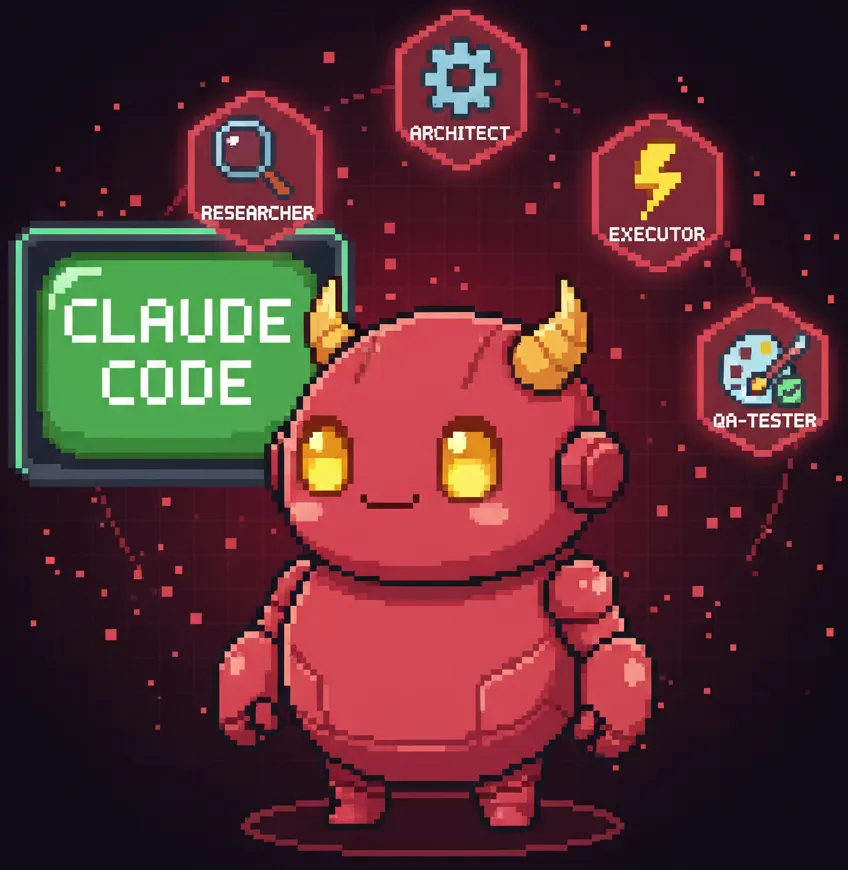
These days, nobody uses Claude Code with just one chat panel. Everyone's running sub-agents in parallel. Same here—and I was constantly hitting weekly token limits because of it.
Sub-agents are specialized AI assistants running inside your main session. There are three built-in types: Explore (codebase navigation), Plan (planning research), and general-purpose (multi-step tasks). You can also define custom agents as markdown files in .claude/agents/.
But there's a structural limitation. Sub-agents only work in 1:1 main ↔ sub reporting. Even if sub-agents A and B run simultaneously, they don't know each other exists. Each works in its own isolated context and just reports results back to main. Mid-task coordination like "hey, I already fixed that" wasn't possible.
What Makes Agent Teams Different
Agent Teams launched as a Research Preview alongside Opus 4.6. Here are the key differences:
| Aspect | Sub-agents | Agent Teams |
|---|---|---|
| Execution | Inside main session | Separate Claude Code instances |
| Communication | Main ↔ Sub (1:1 reporting) | Teammate ↔ Teammate (P2P messaging) |
| Context | Inherits main's permissions, own context window | Fully independent (only CLAUDE.md shared) |
| Task Management | Main distributes directly | Shared task list + auto-assignment |
| Coordination | None (just collects results) | Direct teammate communication |
| Nesting | Not allowed | Not allowed (no teams within teams) |
| Completion | Main receives results | Auto-terminates + notifies lead |
| User Intervention | Foreground mode only | Chat input available per session |
| Token Cost | Relatively low | Teammates × independent contexts (~5x for 5 members) |
| Customization | Markdown in .claude/agents/ | Natural language requests |
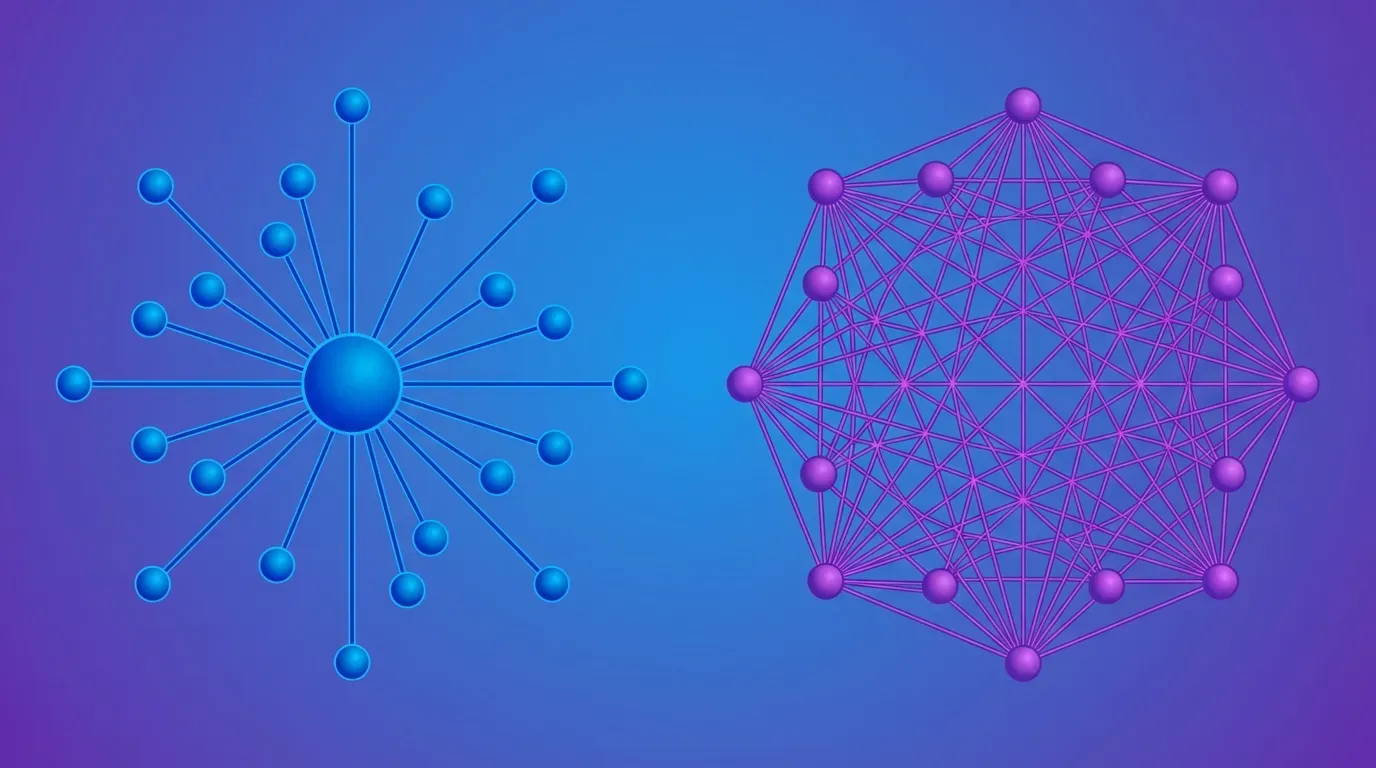
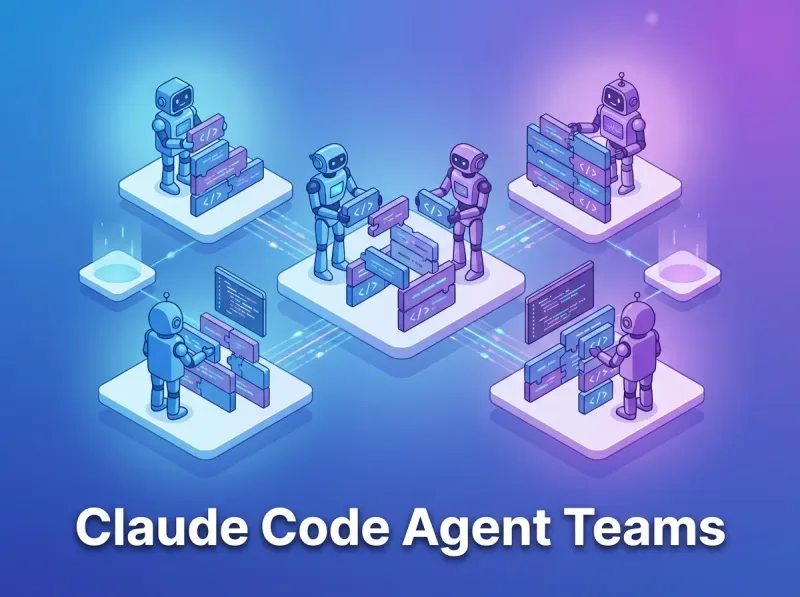
The biggest difference is teammate communication. Sub-agents are isolated workers, but Agent Teams teammates can share discoveries, challenge each other's approaches, and coordinate independently.
From the official docs: "Sub-agents are for when you need fast, focused workers. Agent Teams are for when teammates need to share discoveries, challenge each other, and coordinate themselves."
Setup and Usage
1. Enable the Feature
Agent Teams is disabled by default. Set the environment variable:
export CLAUDE_CODE_EXPERIMENTAL_AGENT_TEAMS=1Add it to your shell profile (.bashrc, .zshrc) to persist it. You can also configure it in settings.json.
2. Choose Display Mode
Two modes available:
- In-process (default): All teammates in one terminal.
Shift+Up/Downto switch teammates,Enterto view session. Works everywhere including VS Code terminal. - Split panes: Each teammate in a separate terminal panel. Requires tmux or iTerm2. Doesn't work in VS Code integrated terminal.
I used the recommended iTerm2 with split panes mode:
claude --dangerously-skip-permissions --teammate-mode tmux3. Request Team Formation
No config files or YAML needed. Just ask in natural language:
Review the current project plan and check if upcoming tasks can be parallelized, then form a teammate team.
Claude analyzes the project state, suggests an appropriate team composition, and creates teammates once you approve.
Real-World Experience
I tried this on an ongoing project. Here was the state:
- ~45% complete, TypeScript errors 0, 74 tests passing (~20% coverage)
- Tech debt: 5-10
anytypes, 11 console.logs, 4 files over 400 lines, missing error boundaries
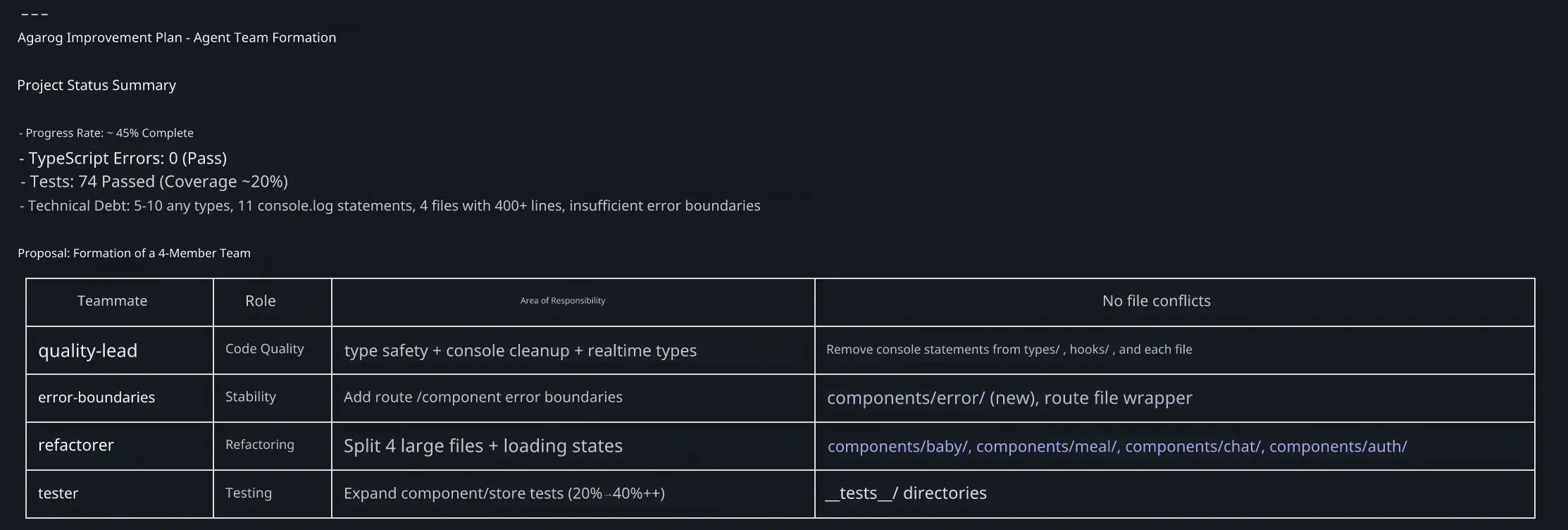
Claude analyzed and proposed 4 teammates:
| Teammate | Role | Scope |
|---|---|---|
| quality-lead | Code Quality | type safety + console cleanup |
| error-boundaries | Stability | route/component error boundaries |
| refactorer | Refactoring | split 4 large files |
| tester | Testing | coverage 20% → 40%+ |
Impressive how it separated areas to avoid file conflicts.
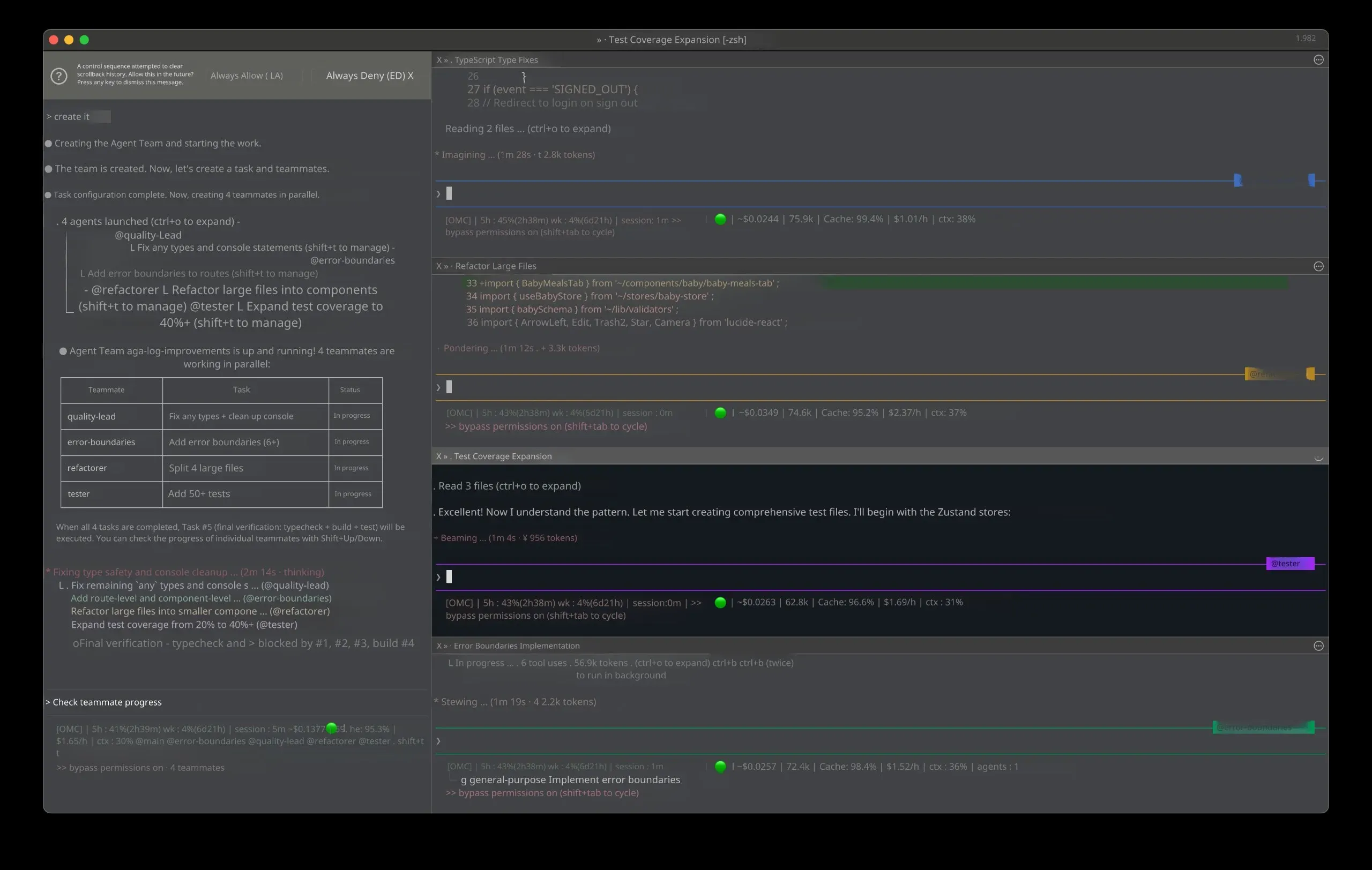
All 4 started simultaneously, and I could watch each session's progress in real-time.
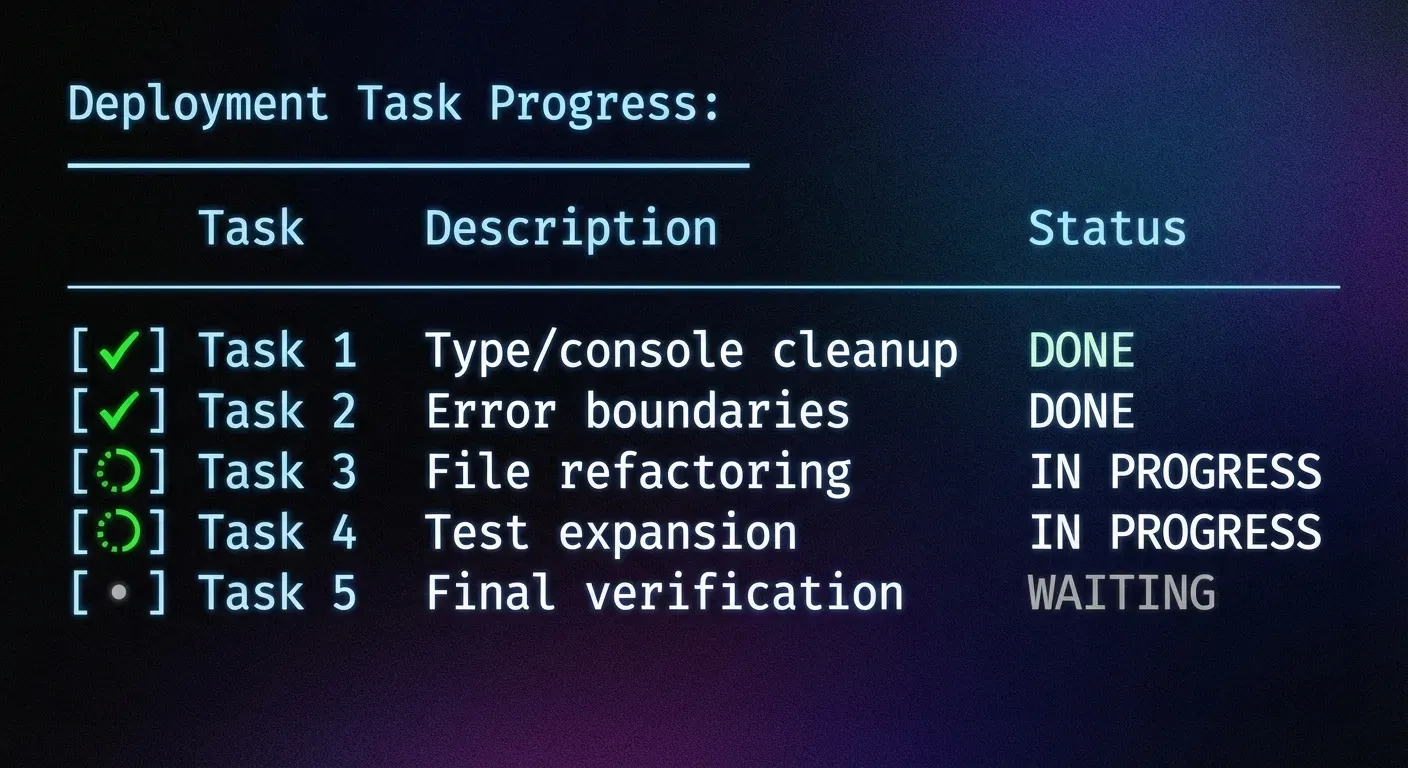
What worked well:
- Mid-task intervention: Each teammate session has chat input, so you can adjust direction or add instructions during work.
- Auto-termination: When a task completes, that session closes automatically. The lead agent gets notified automatically.
- Mutual coordination: Teammates communicate during work—for example, when the refactorer changes file structure, the tester can recognize and adapt.
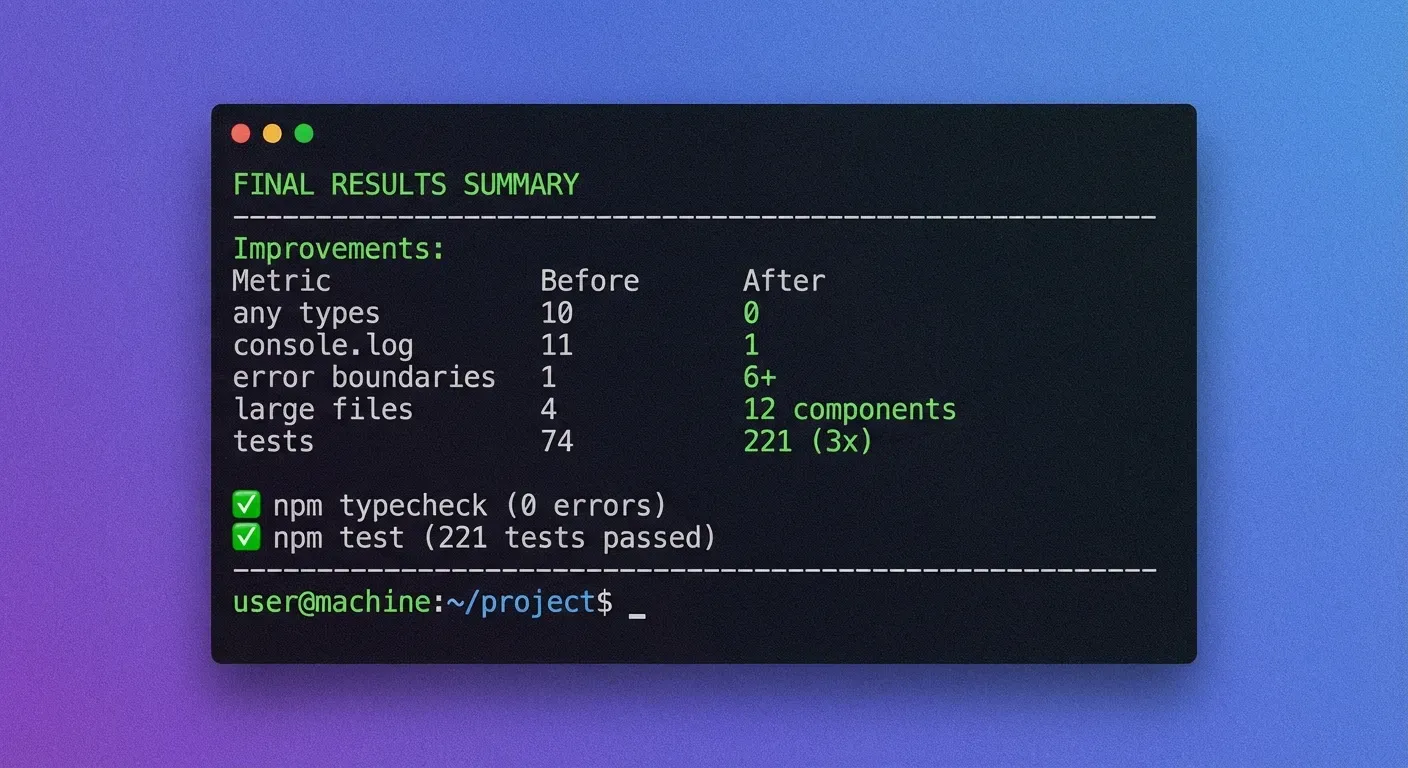
When all 4 tasks complete, final verification (typecheck + build + test) runs automatically.
Sub-agents vs Agent Teams: When to Use What
Agent Teams isn't always better. Token costs scale with team size, so choose based on the situation.
Sub-agents work best for:
- Simple, focused tasks (file research, function verification, code review)
- Isolating large outputs (test runs, log file processing)
- Sequential workflows
- When multiple tasks need to modify the same files
- When you want to save tokens
Agent Teams shines for:
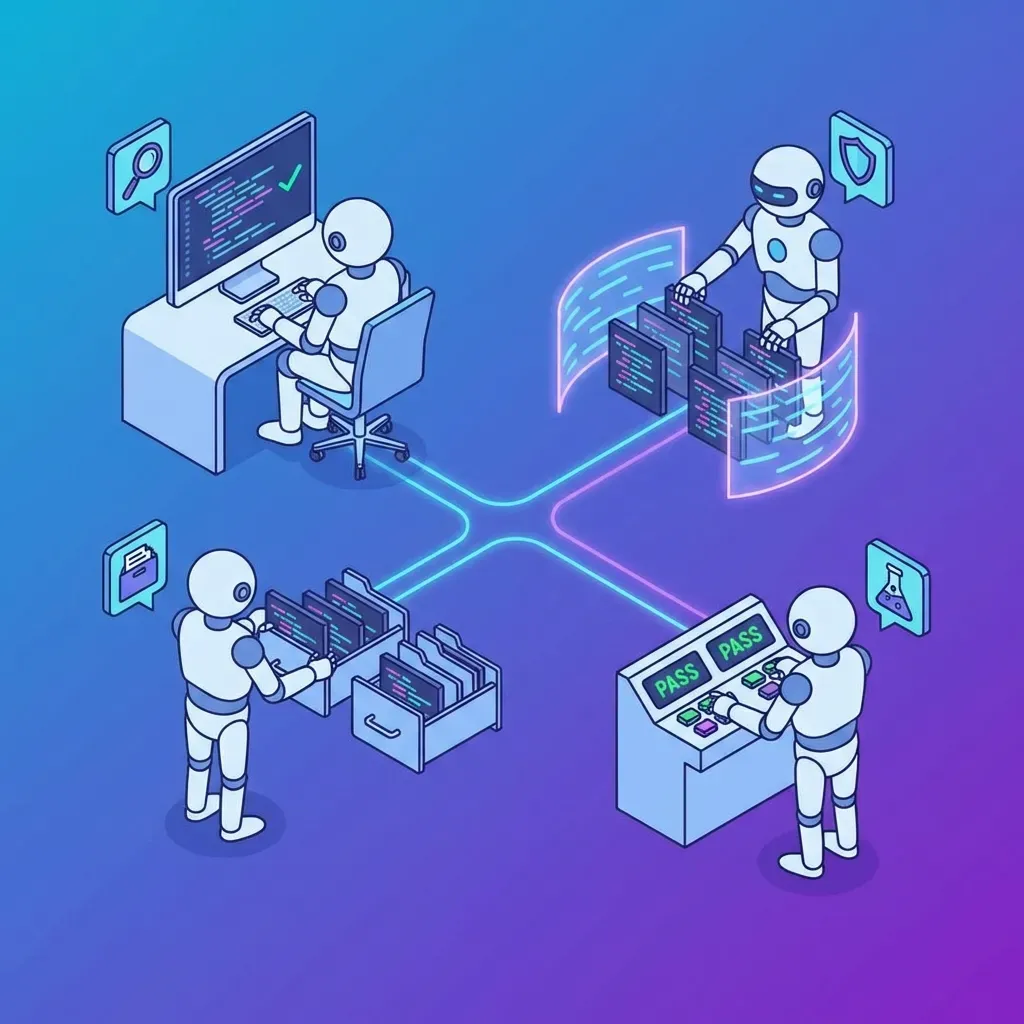
- Multi-perspective code review (security / performance / testing specialists)
- Competing hypothesis debugging (verify multiple causes simultaneously)
- Cross-layer frontend / backend / test work
- Multi-angle planning exploration (architect / critic / researcher roles)
Personal Takeaways
Previously, I'd plan everything upfront, then invoke sub-agents according to that plan. Human designs, AI executes.
Agent Teams feels like the next level. You can form a team to handle planning through execution, testing, and final verification all at once.
For example, this workflow becomes possible:
- Planning phase: Form a planner / architect / critic team for planning
- Plan review: Human reviews and adjusts
- Execution phase: Form appropriate teammates for parallel execution
- Verification phase: Automated test + build verification
The fact that teammates communicate during work feels like a true upgrade. If sub-agents were working in isolated rooms and just submitting results, Agent Teams is sitting next to each other in the same office, talking when needed.
Of course, being Research Preview means limitations exist. No session resumption, no nested teams (teams within teams). But even now, it's plenty powerful.
I was always hitting weekly limits even with sub-agents. This week, I'm planning to burn through them even faster with Teams.
Conclusion
Agent Teams isn't just "running multiple sub-agents." It's a fundamentally different architecture with teammate communication, shared task lists, and automatic task assignment.
It definitely costs more, but for complex multi-module work or multi-angle reviews where parallel exploration adds real value, it's worth the price.
It's still experimental, so I recommend setting CLAUDE_CODE_EXPERIMENTAL_AGENT_TEAMS=1 and trying it yourself. Using iTerm2 + tmux for split panes mode, watching all teammates work simultaneously is quite an experience.
Refs
- Claude Code Agent Teams Official Docs
- Claude Code Subagents Official Docs
- Anthropic - Introducing Claude Opus 4.6
- Addy Osmani - Claude Code Swarms
- VentureBeat - Anthropic's Claude Opus 4.6 brings 1M token context and 'agent teams'
- Marco Patzelt - Claude Code Agent Teams Setup Guide
- paddo.dev - Claude Code's Hidden Multi-Agent System