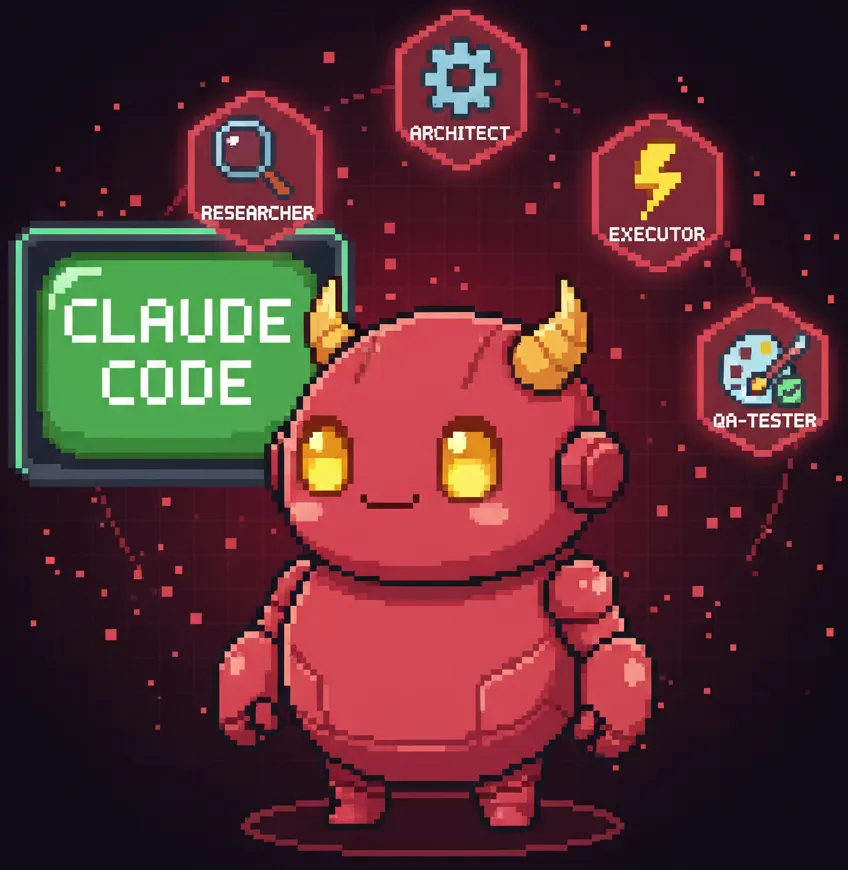
4 Days with OpenClaw: I Got an AI Assistant
- A 4-day, hands-on OpenClaw log focused on where automation truly delivers in real work.
- From publishing to data collection, you can see the line between a cool demo and a maintainable workflow.

What is OpenClaw?
OpenClaw is an open-source AI agent that runs locally. It integrates with messengers like WhatsApp, Telegram, and Slack, letting you command an AI assistant from anywhere.
The core concept is "autonomous execution." Traditional chatbots only chat, but OpenClaw actually opens browsers, modifies files, and runs scripts. Shell commands, cron jobs, web automation — it does it all. Essentially, you get a 24/7 assistant that works on its own.
Why is it so hot?

Created by Peter Steinberger (founder of PSPDFKit), this project exploded in early 2026. GitHub stars jumped from 9,000 to 60,000 in days, and it has now surpassed 100,000. It's been covered by Wired, CNET, Axios, Forbes, and other major outlets.
Fun fact: the name changed twice. It started as Clawdbot, but Anthropic sent a trademark request due to confusion with the Claude brand. So it became Moltbot, then recently rebranded to OpenClaw. The "Molty" space lobster mascot stuck around though.
How I started
A colleague at work was using it, and I jumped in immediately. I was hooked from day one, staying up late tinkering. Here's what I've learned after 4 days.
Real-world use cases
Automated blog publishing
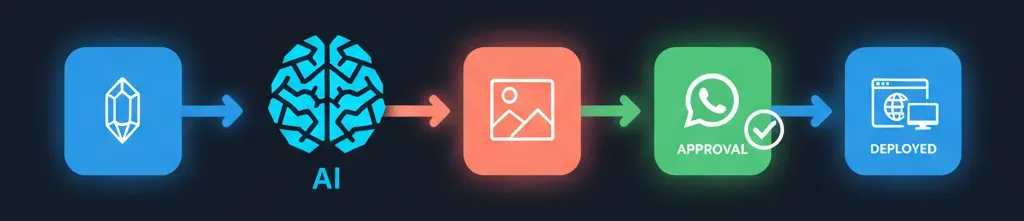
This is the most satisfying use case. Here's the workflow:
- Draft in Obsidian
- Tell OpenClaw "publish this to the blog"
- AI converts Markdown → .mdoc
- Auto-generates cover/inline images via Gemini API
- Sends images to WhatsApp for approval
- After approval: webp conversion → git push → Vercel auto-deploy
- English version auto-translated and published alongside
I built this entire workflow through chat, no coding. I described what I wanted, and the AI created the skill file itself. Now it's just "publish blog" via WhatsApp and done.
Previously, writing, polishing, creating images, adding tags, and deploying took 1-2 hours. Now it's 10 minutes. Even with revision requests, 20 minutes tops. Image generation takes the longest, but the AI handles that too — I just approve.
Condo service request automation
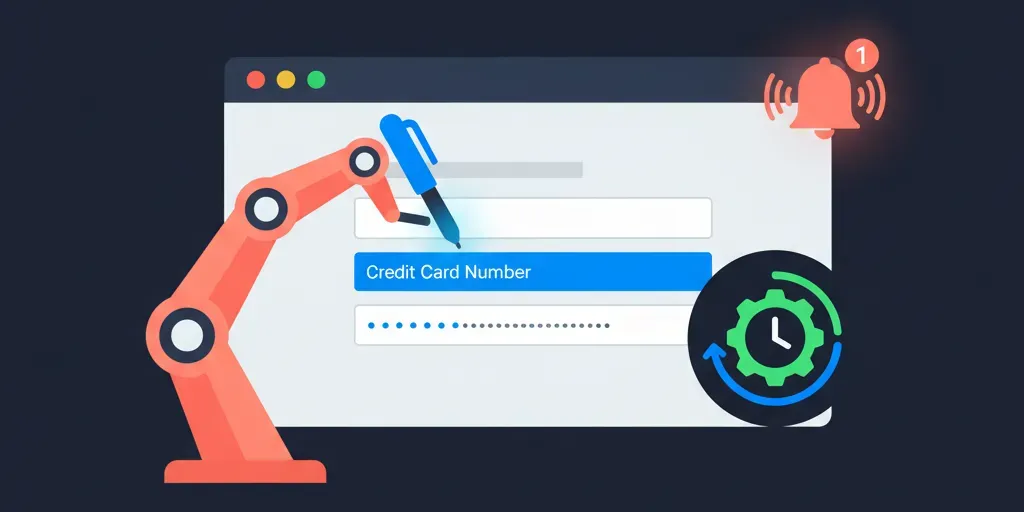
My condo gym FOB wasn't working, so I needed to submit a request. I explained the situation and said "submit a request on the website." The AI:
- Opened the browser and navigated to the website
- Found the service request page and submitted a ticket
- Auto-created a cron job to check for responses every 6 hours
- Notified me via WhatsApp when a response came
The AI proposed and executed all of this. I just said "yeah, do that."
Hauscout project
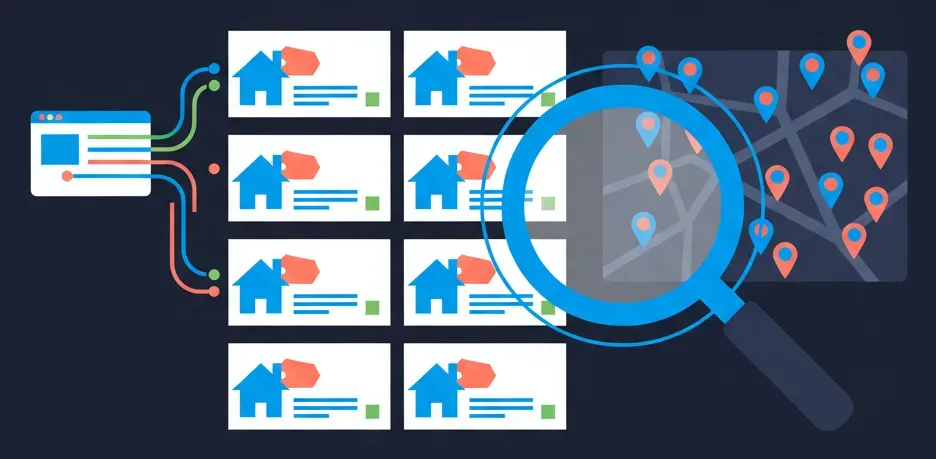
A project that collects and organizes real estate data from specific areas daily. It scrapes data from real estate sites, analyzes comparisons, and records everything for future decision-making.
How is it different from other AI tools?
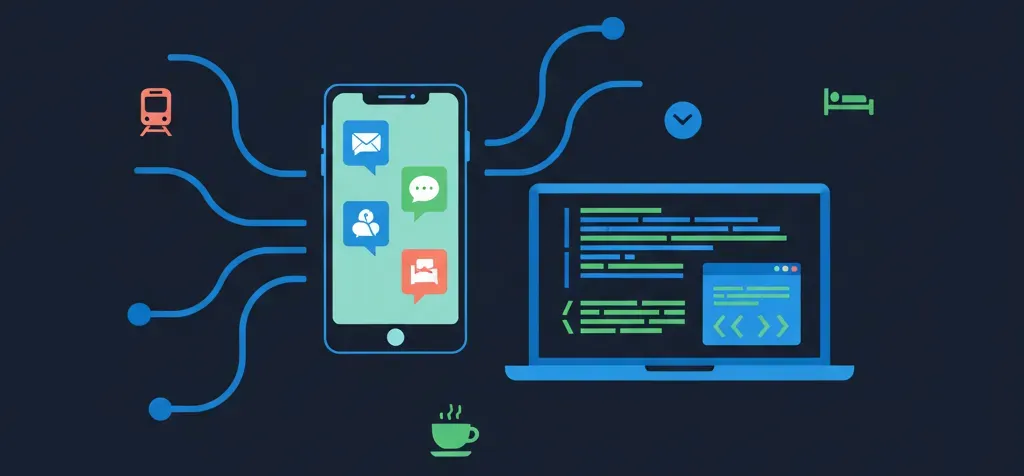
With existing harnesses, it felt like I was "manually directing" the AI. OpenClaw is different. It feels like the AI is proactively "doing the work itself."
The biggest advantage is messenger integration. Being able to use it instantly via WhatsApp or Telegram from anywhere is a game changer. On the subway, at a café, lying in bed — your AI assistant is always available.
Combined with Oh My Claude Code commands (ralph plan, autopilot, ultraqa, etc.), you can reliably implement whatever features you need.
Is it secure?
Honestly, there are security concerns. Cisco's security team blog also pointed out OpenClaw's security risks. But I decided the trade-off is worth it for several reasons.
Benefits of local execution
OpenClaw runs on your local machine by default. Cloud deployment is possible, but that requires opening ports for external access. Running locally means no external exposure, reducing the attack surface. I'm additionally using a freshly formatted spare laptop as a dedicated device.
Using frontier models
I only use Opus 4.5. Frontier models follow instructions more accurately and are less likely to exhibit unexpected behavior.
Avoiding external skills
ClawHub has many community-created skills, but I'm sticking to officially supported ones since external skills make me nervous. Honestly, creating skills isn't hard, so unless it's a specific third-party integration, I'll probably build my own.
Blocking uncontrollable inputs
Prompt injection is my biggest concern. That's why I deliberately avoid tasks like email organization. Incoming emails could contain malicious instructions hidden in the content. I'm minimizing exposure to inputs I can't control.
A productive hobby

It feels like I've gained a hobby that increases productivity rather than consuming time. It's great for starting things I never had time for, and using it keeps generating new ideas.
Initial setup can take some time. There's an openclaw onboard wizard, but messenger integration and skill configuration might require some trial and error.
I've been promoting it everywhere because it's fun, and interesting use cases are starting to come from people around me. I'm not using it for stock trading yet, but I plan to explore more.
After 4 days
Beyond the 3 use cases above, I'm using it for many small things. I implement ideas as they come, and I currently have 2 additional projects in progress. Think of it as having a 24/7 assistant you can summon via messenger. An assistant that can do everything.
It's great and fun. But also a bit concerning. Because it works scarily well.