Building a Zettelkasten with Obsidian... with a side of PARA
- A practical workflow for combining Zettelkasten and PARA in Obsidian without overengineering.
- It helps you move from note hoarding to a reusable system where ideas are searchable, linked, and actionable.
The Problem: Lots of Information, Nothing Sticks
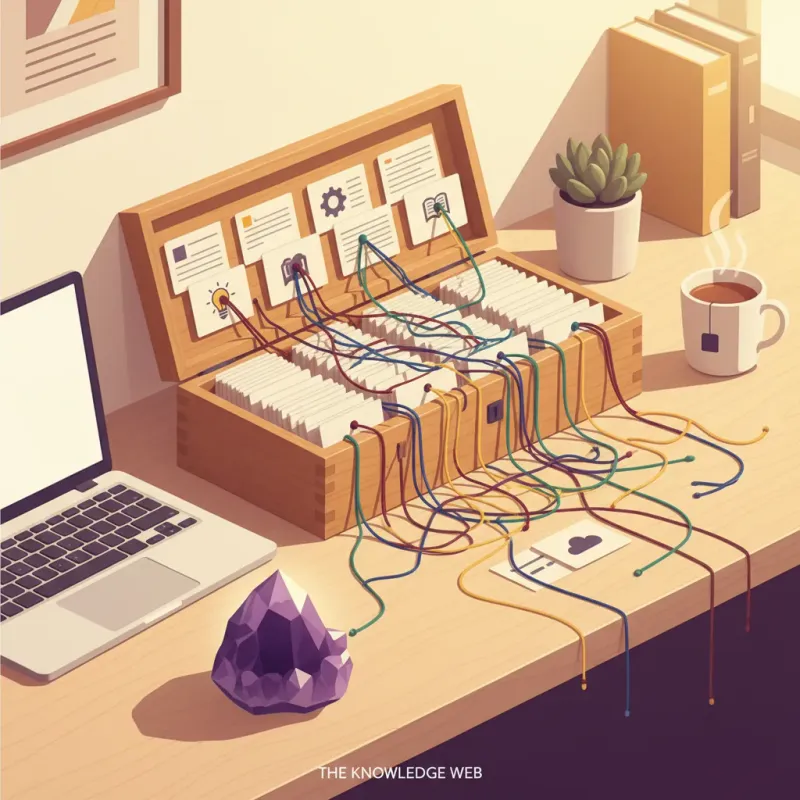
Articles, YouTube videos, books, meeting notes... we consume massive amounts daily, but when we actually need something, we can't remember. "I definitely saw this somewhere..." keeps repeating.
Someone solved this problem 70 years ago.
What is Zettelkasten?
Niklas Luhmann's Slip Box
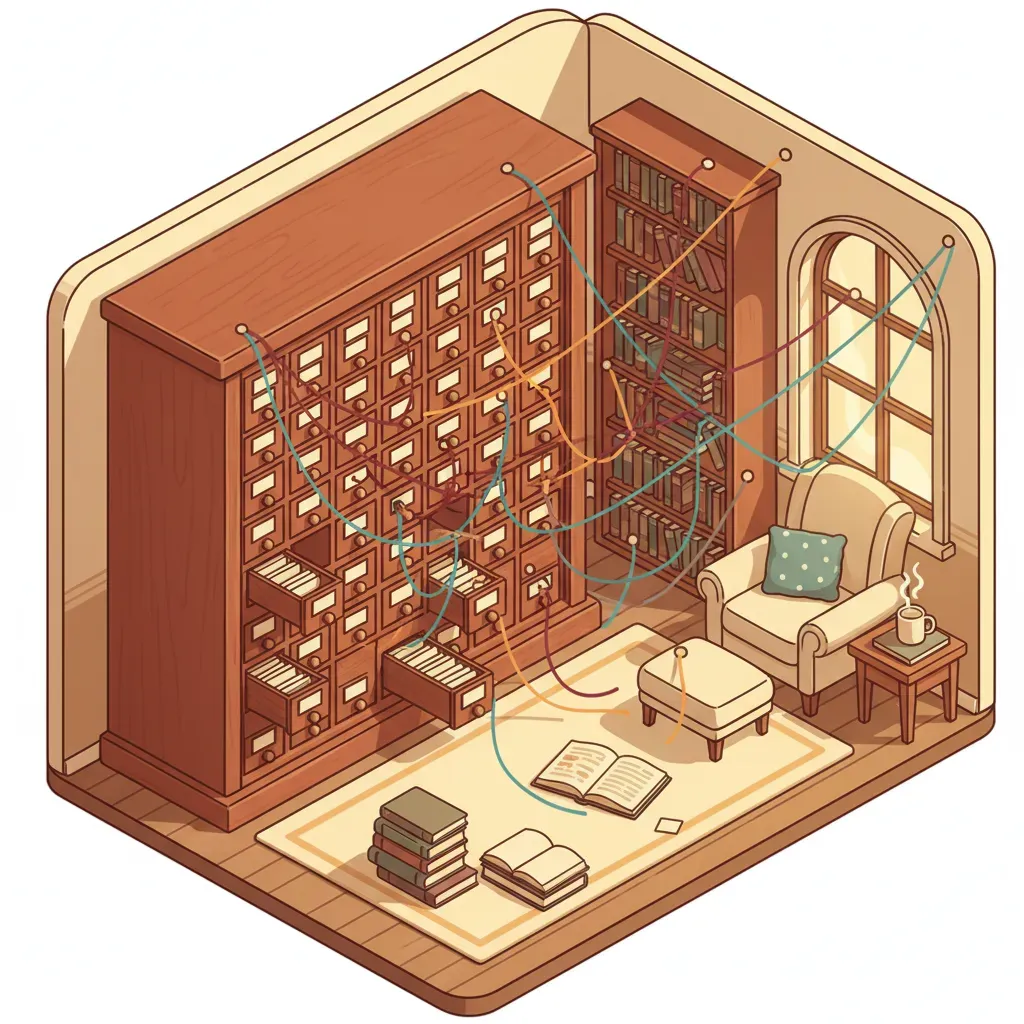
Zettelkasten is German for "slip box."
German sociologist Niklas Luhmann created and connected 90,000 index cards over 30 years. The result? 70 books and 400 academic papers.
Luhmann called it his "conversation partner." It wasn't just a storage system, but a system that generated new ideas.
Core Principles
- Atomic Notes: One note = One idea
- Unique Identifiers: Each note has a unique ID or title
- Note Connections: Isolated notes are dead notes
Types of Notes
| Type | Description | Example |
|---|---|---|
| Fleeting Notes | Momentary thoughts | "Idea that popped up during meeting" |
| Literature Notes | Book/article summaries | "Clean Code Chapter 3 Summary" |
| Permanent Notes | Reprocessed in your own words | "3 Principles of Good Function Names" |
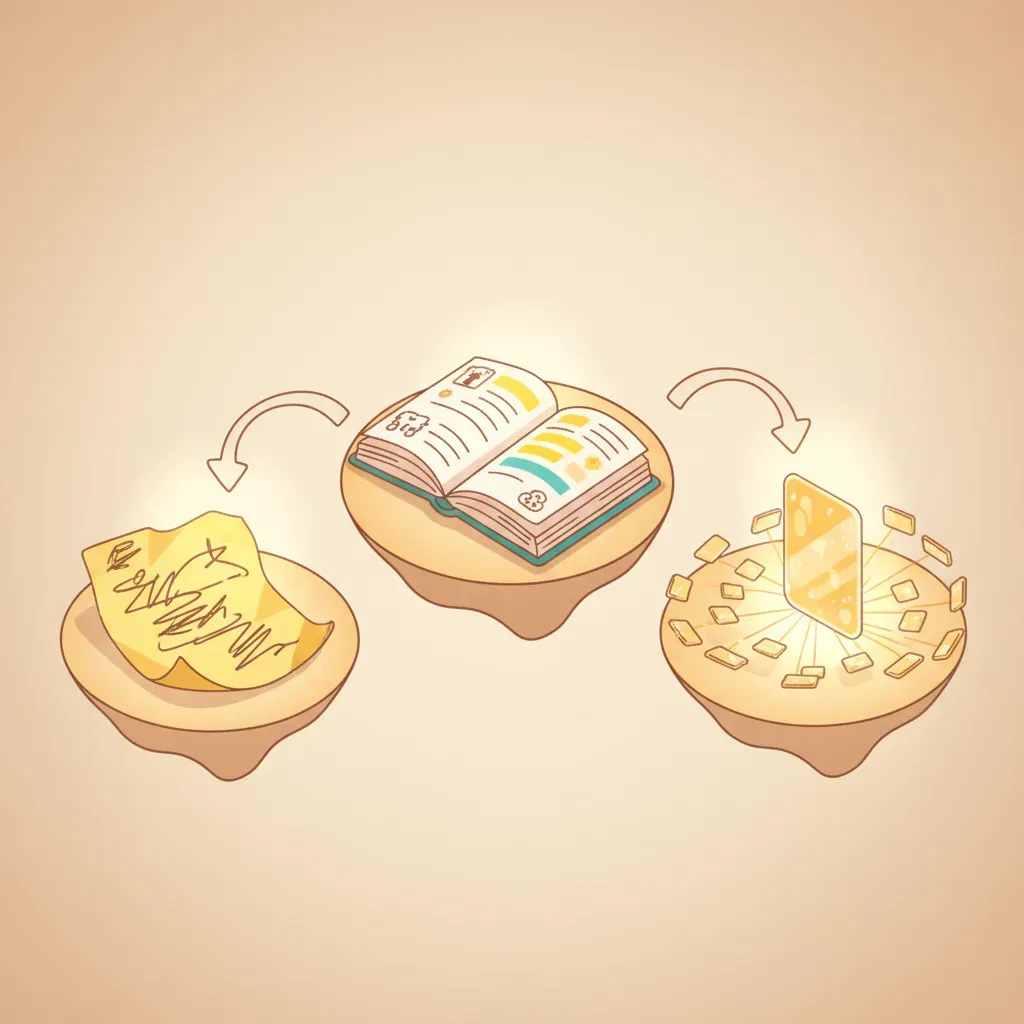
Fleeting is temporary, Literature is original summaries, and only Permanent Notes remain forever.
Why Zettelkasten?
Limitations of Traditional Methods
| Method | Problem |
|---|---|
| Folder Organization | Agonizing over where to put things, can't find later |
| Tags Only | Chaos when tags multiply |
| Everything in One Note | Impossible to find later |
Benefits of Zettelkasten
1. Compound Effect
100 notes aren't just 100 files, but hundreds of connections. A note from 6 months ago connects with today's writing and generates new insights.
2. Unexpected Discoveries
In Graph View, you go "Wait, this connects with that?" and blog ideas emerge.
3. Easier Writing
No need to start from a blank page. Following connected notes completes your draft.
4. No Reliance on Memory
"I definitely saw this somewhere..." → Backlinks tell you. Your brain forgets, but the system remembers.
Applying Zettelkasten in Obsidian

Why Obsidian
- Local Markdown Files: Data on your computer ensures permanence
- [[Wikilinks]]: Easy note connections with
[[Note Title]] - Graph View: Visual confirmation of note connections
- Backlinks: Automatic display of other notes referencing current note
Wikilinks and Backlinks
Wikilinks are links where I point to other notes.
Index selection is closely related to [[Query Optimization]].Backlinks are lists of other notes pointing to me. Obsidian collects them automatically.
When you create a wikilink, a backlink automatically appears in the connected note. This is why bidirectional navigation is possible.
How Do You Connect Links?
It's not automatic. You connect them yourself.
When Writing Notes
While writing, if you think "I wrote something related before," immediately type [[ and search.
When optimizing queries, [[PostgreSQL Indexes]] configuration is important.After Writing Notes
At the end, create a "Related" section and add related notes.
## Related
- [[Database Performance Tuning]]
- [[Slow Query Analysis]]
While Reading Existing Notes
While reading old notes, if you think "This connects with my new article," add it then.
The key is to spend just 1 second thinking "Is there an existing note that connects with this?" every time you write a note.
Too Many Notes? Use Smart Connections
When you have 100+ notes, it's hard to track what notes exist. The Smart Connections plugin is useful here.
Installation: Settings → Community Plugins → Search "Smart Connections" → Install
Features:
- Automatically displays related notes in sidebar when you open a note
- Runs locally (no API key needed, works offline)
- No external transmission of note content
Open note → Check sidebar → Click if related and add link. Takes 5 seconds per note.
Combining PARA and Zettelkasten
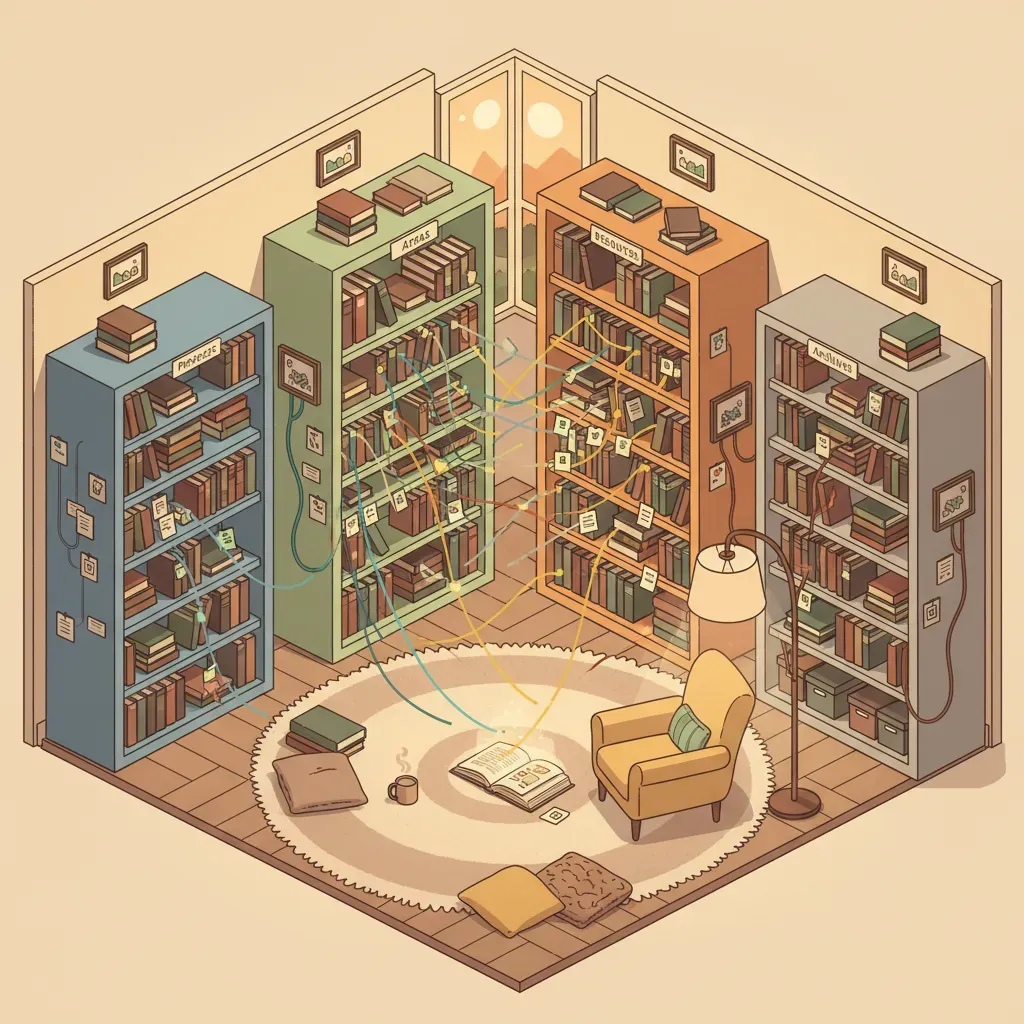
What is PARA?
I covered this in detail in a previous article, but briefly:
| Category | Description | Characteristic |
|---|---|---|
| Projects | Tasks with short-term goals | Has deadline |
| Areas | Continuously managed domains | No deadline |
| Resources | Reference materials by interest/topic | General knowledge |
| Archives | Completed or inactive materials | Storage |
Why Combine?
Actually, I covered Zettelkasten too lightly in my previous article. I wrote "PARA is more modern" and just left a link, but thinking about it now, they're not competing - they should be combined.
- PARA: "Where" information is (folder structure)
- Zettelkasten: "How" information connects (links)
Using only PARA gives you good folder organization but no connections. Using only Zettelkasten gives you connections but no structure. You need both to complete the system.
Folder Structure Example
📁 Vault
├── 📁 0. Inbox          # Fleeting Notes
├── 📁 1. Projects       # Active Projects
├── 📁 2. Areas          # Ongoing Management Areas
├── 📁 3. Resources      # Zettelkasten Core Area
├── 📁 4. Archives       # Completed/Inactive
└── 📁 Templates         # Note Templates
Key Point: The Resources folder is the main space for Zettelkasten.
Notes in Projects and Areas reference (link to) Permanent Notes in Resources. Even when projects end, the knowledge notes created during the process remain in Resources.
Practical Tips
1. Don't Pursue Perfection
Don't try to create a perfect structure from the start. Structure emerges naturally as you write notes.
2. Make Linking a Habit
Every time you write a note, think "Is there an existing note that connects?" The habit of adding at least 1-2 links is important.
3. Regularly Empty Inbox
Fleeting Notes are meaningless if left to pile up. Review weekly and either develop into Permanent Notes or delete.
4. Use Graph View
Useful for discovering isolated notes. If an old note remains isolated, check it once.
5. Use AI for Many Notes
If you have 100+, use Smart Connections. AI recommends related notes.
Closing
Zettelkasten isn't just a note organization method. As one scholar proved 70 years ago, it's a system for expanding thought.
If PARA answers "What should I do now?", Zettelkasten answers "Where does this idea lead?" Using both together captures both execution and creativity.