Token Saving, and Caveman
- Caveman is less a tool that turns context into caveman language and more a skill that saves tokens by trimming unnecessary LLM output.
- In the early GPT-3/text-davinci era, pricing, latency, and roughly 4K context windows made format and output-length optimization essential.
- RTK reduces the CLI-output input side, while Caveman reduces the LLM-output side, so the two can complement each other.

Token Saving, and Caveman
Introduction
Caveman is getting a lot of hype these days. From blog posts and introductions, I first thought it compressed tokens down to the level of primitive “ooga booga” language. After using it for a few days, though, that was not really the case. To help clear up that misunderstanding, I wanted to briefly write about the history of earlier token-compression attempts and how Caveman fits into the current landscape.
A Brief History of Saving Tokens
Token saving, token compression. Anyone who worked on AI engineering three or four years ago probably spent a lot of time thinking about this. But as token generation became cheaper and more efficient, it stopped being a major concern for a while. Now, as automation keeps accelerating after harness engineering, token usage is rising again, and people are becoming interested in saving tokens once more. That loop is what made this topic interesting enough for me to write about.
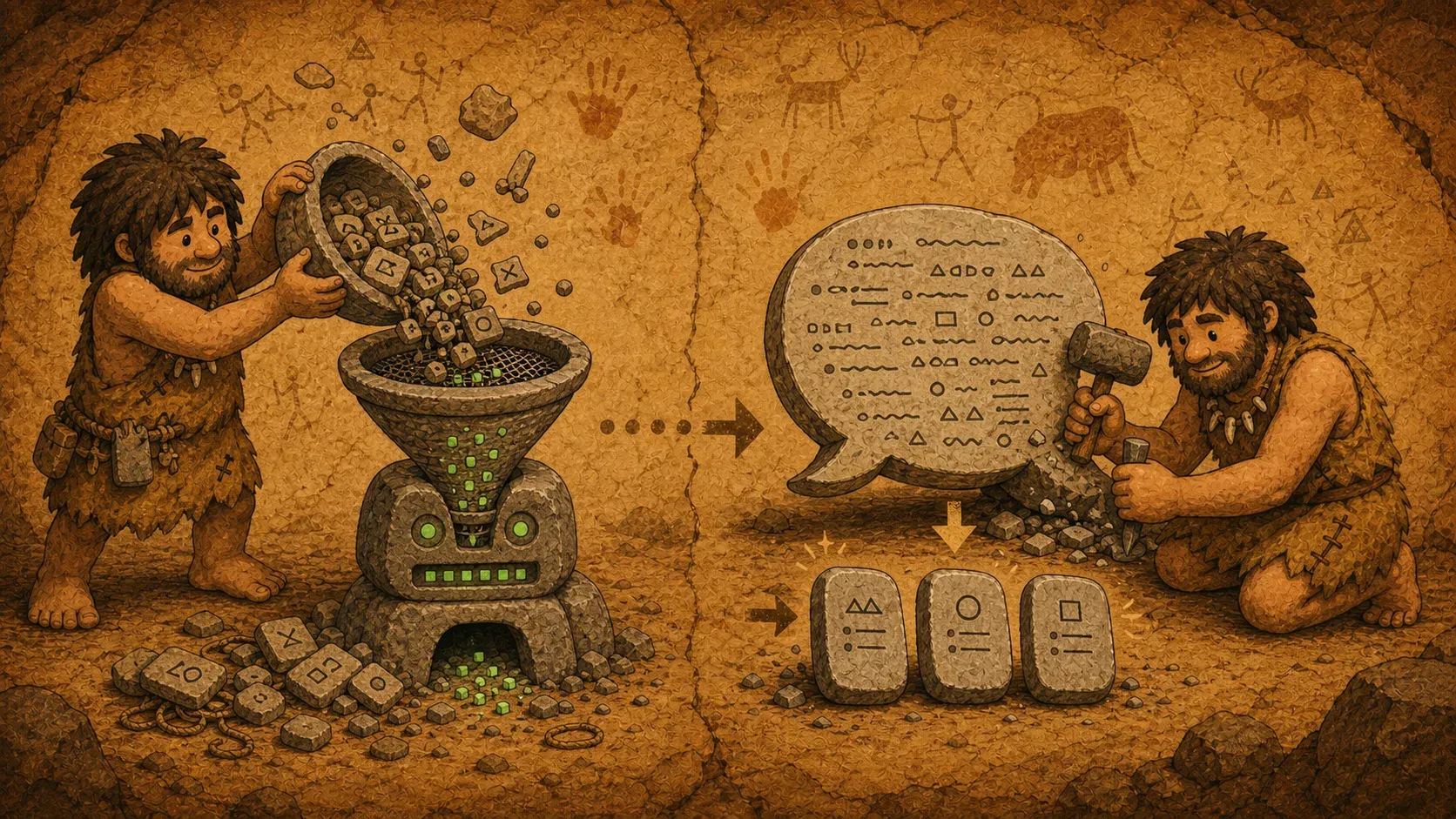
Back in the GPT-3.5 era, and even earlier when people were using text-davinci, token optimization was essential because generation was slow and costs could skyrocket as token counts grew. text-davinci-003 cost $0.02 per 1K tokens, and only when GPT-3.5-turbo arrived at $0.002, ten times cheaper, did consumer applications really start to become feasible. At the time, AI features were being added publicly to company services, so we were obsessed with reducing tokens. If free users generated outputs without limits, the bill could quickly become impossible to manage.
Context windows were not comparable to what we have today either. GPT-3 had 2,048 tokens, while text-davinci-003 and GPT-3.5-turbo had only a little over a 4K-token context window. Today we talk about 200K and 1M token contexts, but back then it was part of the job to keep input and output combined under roughly 4K.
It is also hard to imagine now, but token generation was genuinely slow. These days results appear almost sentence by sentence, or even page by page, but back then if you watched the token stream, you could follow each token being generated one by one with your eyes.
Earlier Attempts at Saving Tokens
In this section, I will talk about the problems and solutions I encountered at my previous company, and how we tried to save tokens at the time. There are many ways to reduce tokens, but the three most effective ones were the following.
The first priority was changing the format. By format, I mean things like JSON or XML/HTML. Markdown is common now, but back then many people used JSON or XML directly for input and output. The problem is that those formats produce a lot of tokens after tokenization. For example, <h1>Hello world</h1> is 8 tokens. # Hello world is 3 tokens. That alone cuts the count by more than half. JSON and XML also need closing tags or structural wrappers, so the overhead doubles in many places. Recent comparative analysis has also shown that XML can use 14% more tokens than JSON, while Markdown can save around 15% of tokens for equivalent representation.
So by using Markdown and one-token delimiters like ####, we were able to save a lot of tokens.
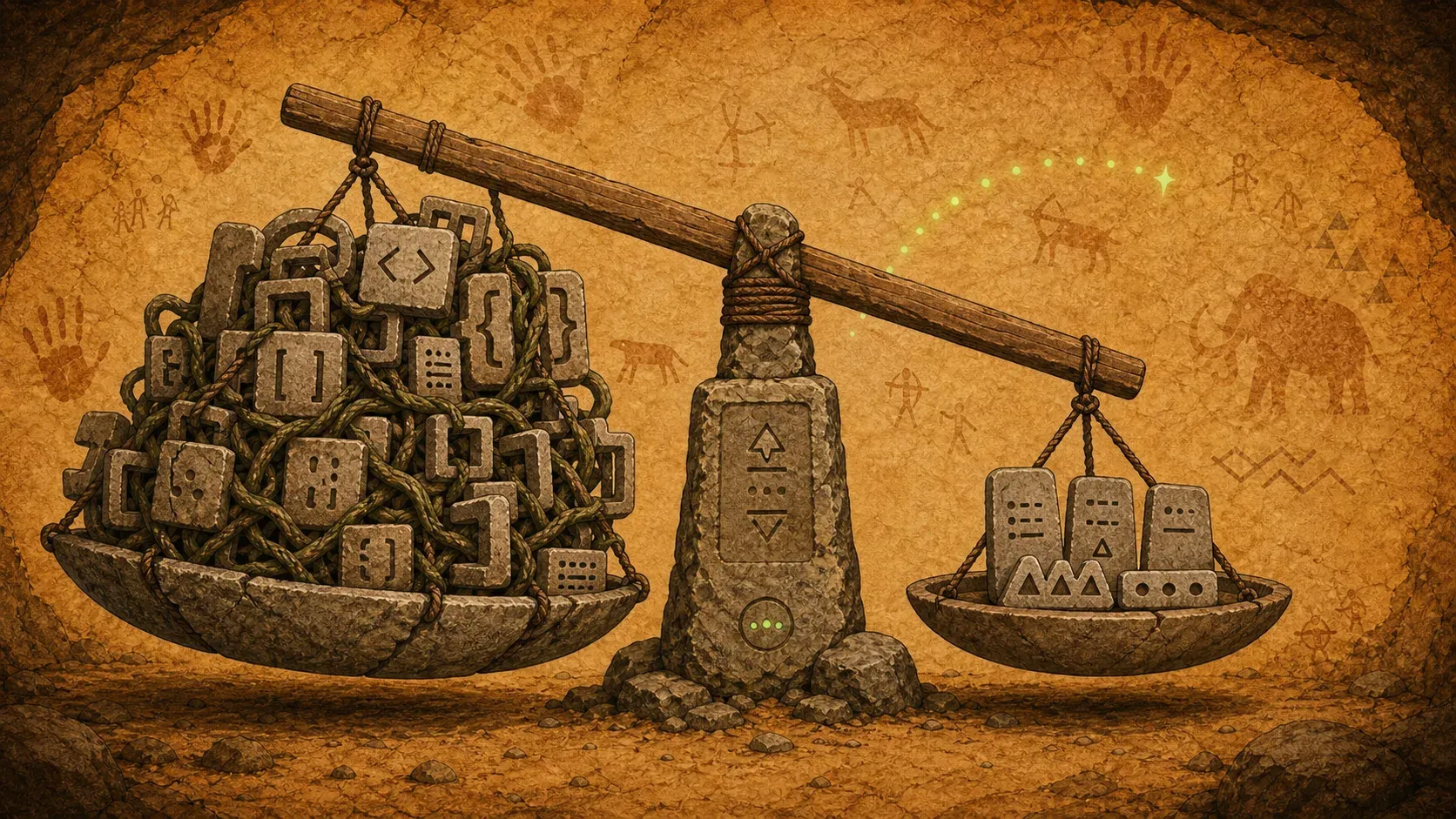
This did not only reduce cost. Response speed improved as well. At the time, even an output of around 300 characters could commonly take 30 seconds. By shortening both input and output, response time could improve by anywhere from 30% to 70%. Since generation was slow enough that you could see tokens appear one by one in the stream, reducing output tokens directly translated into a noticeable speed improvement.
The Age of Detail
As newer model versions became smarter, the trend started to change around mid-2023. Instead of making prompts extremely concise, people began adding more detailed information. Since the models had become smarter, giving them enough context led to better results.

Even today, Anthropic still recommends using XML tags with Claude. Anthropic's documentation explains that XML tags help structure complex prompts more clearly and separate instructions, context, examples, and input. In other words, clarity became more important even if it used a few more tokens, which also reflects how much token prices have fallen.
The results improved a lot as well. In the past, even if you wrote a prompt for JSON output, errors were common without a separate output parser. These days, models can produce correctly formatted output accurately enough that a separate parser is often unnecessary.
Back to Short and Concise
Because output generation is now fast, even long responses appear at speeds similar to, or faster than, old shorter responses. But paradoxically, as there is more to read, it becomes burdensome for the user. As token waste has become a topic again, tools like Caveman and RTK are getting attention. RTK compresses CLI output, and tools such as Codebase Memory MCP, context-mode, and Headroom have appeared in a similar context. Trends really do come back around.
Token Compression Tools
Here is a quick introduction to some of the token-compression tools that are getting attention again.
Caveman
Caveman is a skill that saves tokens by making LLM output shorter. It claims to reduce tokens by more than half. The core idea is simple: remove polite endings, extra explanations, greetings, and other non-essential parts of the output.
So why is it called Caveman? Depending on the mode, it compresses the response down to only the necessary words, almost as if a caveman were speaking. It is a fun name.
For example:
Normal Claude (69 tokens):
"The reason your React component is re-rendering is likely
because you're creating a new object reference on each render
cycle. When you pass an inline object as a prop..."

Caveman Claude (19 tokens):
"New object ref each render. Inline object prop = new ref
= re-render. Wrap in useMemo."
I found the concept interesting because it keeps the technical accuracy while making the language shorter.
Recently, while watching Project Hail Mary, I noticed that Caveman mode feels a lot like Rocky's speech. "Question, question!" "Good. Good." It is short, but the meaning comes through. LLMs behave similarly when Caveman is enabled.
A Common Misunderstanding
Blogs and YouTube videos often explain it as if Caveman literally transforms context into caveman language, so it is easy to misunderstand. But it supports multiple modes, and in the default mode it is closer to adding be concise at the end of an old-style prompt. I suspect many videos and blog posts use the maximum compression mode to show a more dramatic change. So it is not as risky for quality as some people might worry, and sometimes the results are even better.
When Is It Useful?
Personally, because there is some concern that it can affect results, I usually use it in situations like these:
- When my weekly quota on a subscription model is running low
- When running long token-heavy workflows such as Goal, Ouroboros, or autopilot
- When I want responses to be concise so they are easier to review
Caveman Compress
There is also a feature called caveman compress. It efficiently compresses existing system prompts or skills. This is the kind of prompt-engineering work people used to do carefully by hand during the height of the prompt-engineering era. These days, models are so good that I can barely remember the last time I meticulously tuned every single prompt by hand.
RTK
RTK, or Rust Token Killer, takes a different approach from Caveman. While Caveman shortens the LLM's output, RTK is a proxy that compresses CLI command results before they are passed to the LLM. For example, it removes unnecessary parts from outputs of commands like git status, ls, and cargo test, reducing tokens by 60–90%. It can run automatically through Claude Code's Bash hook, rewriting commands into forms like rtk git status. Using Caveman and RTK together means reducing tokens on both the input and output sides.
Caveman vs RTK
| Category | Caveman | RTK |
|---|---|---|
| Compression target | LLM output | CLI command results (input) |
| How it works | Prompt skill (speech style change) | CLI proxy (result filtering) |
| Savings | About 50–75% | About 60–90% |
| Main effect | Shorter responses | Lower context usage |
| Best for | General chat, code review | Agent workflows (git, test, build) |
| Toggle | /caveman command | Bash hook automatic behavior |
They are not competitors; they are complementary. Used together, they can reduce tokens on both the input and output sides.

Update: Headroom
Headroom compresses tool outputs, logs, files, and RAG chunks before they reach the LLM. According to its GitHub description, it aims to reduce tokens by 60–95% while keeping the same answers, and it supports library, proxy, and MCP server modes. Headroom also includes RTK.
The nice thing about these tools is that they reduce unnecessary output before it consumes context, especially when an agent repeatedly runs commands like git, test, and build. If Caveman shortens the LLM's output side, Headroom is closer to reducing noise on the input side before it reaches the LLM. In the end, there is less to read and the context lasts longer.
Closing Thoughts
These days, if I use AI heavily for two or three days, 70% of my Codex Pro usage disappears. I still do not fully trust Gemini for my workflow, so I was considering whether I should upgrade back to Claude Max. Around then, Dave at work recommended Caveman, so I tried it.
I was worried about quality, but it supports multiple modes. And a March 2026 paper even reports that brevity constraints improved accuracy by 26 percentage points on certain benchmarks, so writing shorter is not necessarily a loss.
In the end, the effort we used to spend saving tokens one by one has become something you can now enable with a single skill install.
Refs
- JuliusBrussee/caveman (GitHub)
- rtk-ai/rtk (GitHub)
- chopratejas/headroom (GitHub)
- Elastic-caveman for token reduction with Claude
- Caveman Review: The Claude Code Skill That Cuts 65% of Tokens
- Does Caveman AI Really Cut 65% of Claude Tokens?
- Reduce Claude Code Tokens: 10 Tested Tools (RTK, Caveman, etc.)
- How I Cut Claude Code Token Usage by 90%+ With 5 Tools
- Markdown vs. XML in Prompts for LLMs: A Comparative Analysis
- Prompt Compression: 8 Techniques to Reduce LLM Costs